Best Budget Gaming Monitor for Competitive Play: 5 Fast Screens That Won't Slow Your Aim
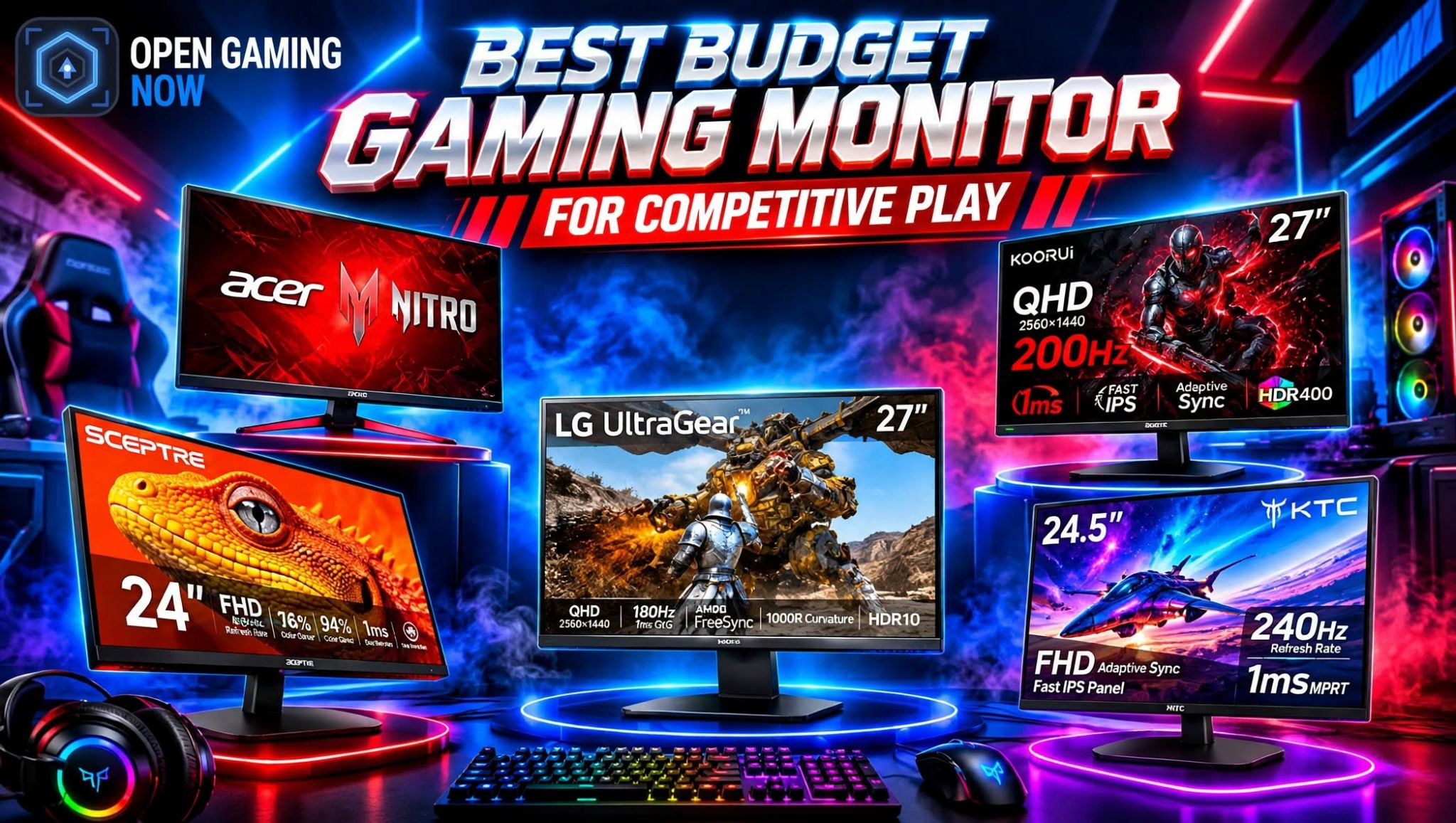
Affiliate disclosure: This article contains affiliate links. We may earn a commission if you buy through them, at no additional cost to you. As an Amazon Associate I earn from qualifying purchases.
Last updated: November 23, 2026
The best budget gaming monitor for competitive play is the KTC H25T7 3. It is a 24.5 inch, 240Hz Fast IPS screen that gives you esports level smoothness without a premium price. If you want to spend less, the Acer Nitro KG241Y M3biip is our best budget gaming monitor, with a 180Hz IPS panel.
Many lists of the best budget monitors mix office screens with gaming screens, which makes affordable monitors for gaming hard to compare. We only picked monitors with high refresh rates, fast panels and adaptive sync. Our picks come from manufacturer specs, Amazon listing details, published expert reviews and patterns in verified customer reviews. We have not run hands on tests on these monitors.
Quick Picks: Best Budget Gaming Monitors for Competitive Play
| Product Name | Best For | Key Feature | Link |
|---|---|---|---|
| KTC H25T7 3 | Best overall for ranked shooters | 24.5 inch Fast IPS with a 240Hz refresh rate | [Check Price] |
| Acer Nitro KG241Y M3biip | Best budget pick | 23.8 inch IPS with 180Hz and FreeSync Premium | [Check Price] |
| LG UltraGear 27GS60QC | Best premium stretch | 27 inch QHD (1440p) panel at 180Hz | [Check Price] |
| Sceptre E248B FW165T | Best for beginners | 24 inch Full HD at 165Hz with adaptive sync and four video inputs | [Check Price] |
| KOORUI G2721P | Best 27 inch option | 27 inch QHD Fast IPS at 200Hz with adaptive sync | [Check Price] |
How we chose these monitors
We started with the needs of a ranked player: fast motion, low blur and smooth adaptive sync. Then we checked manufacturer specs, Amazon listing details and common themes in verified customer reviews.
- Refresh rate of 144Hz or higher
- Fast IPS or similar panel with a low listed response time
- Adaptive sync support, plus both HDMI and DisplayPort inputs
- Brand support, warranty details and honest drawbacks
We did not run benchmarks or lab tests, and we do not claim to. Specs can differ between listing versions, so always check the Amazon page before you buy.
Best budget gaming monitors for competitive play: our 5 picks
KTC H25T7 3
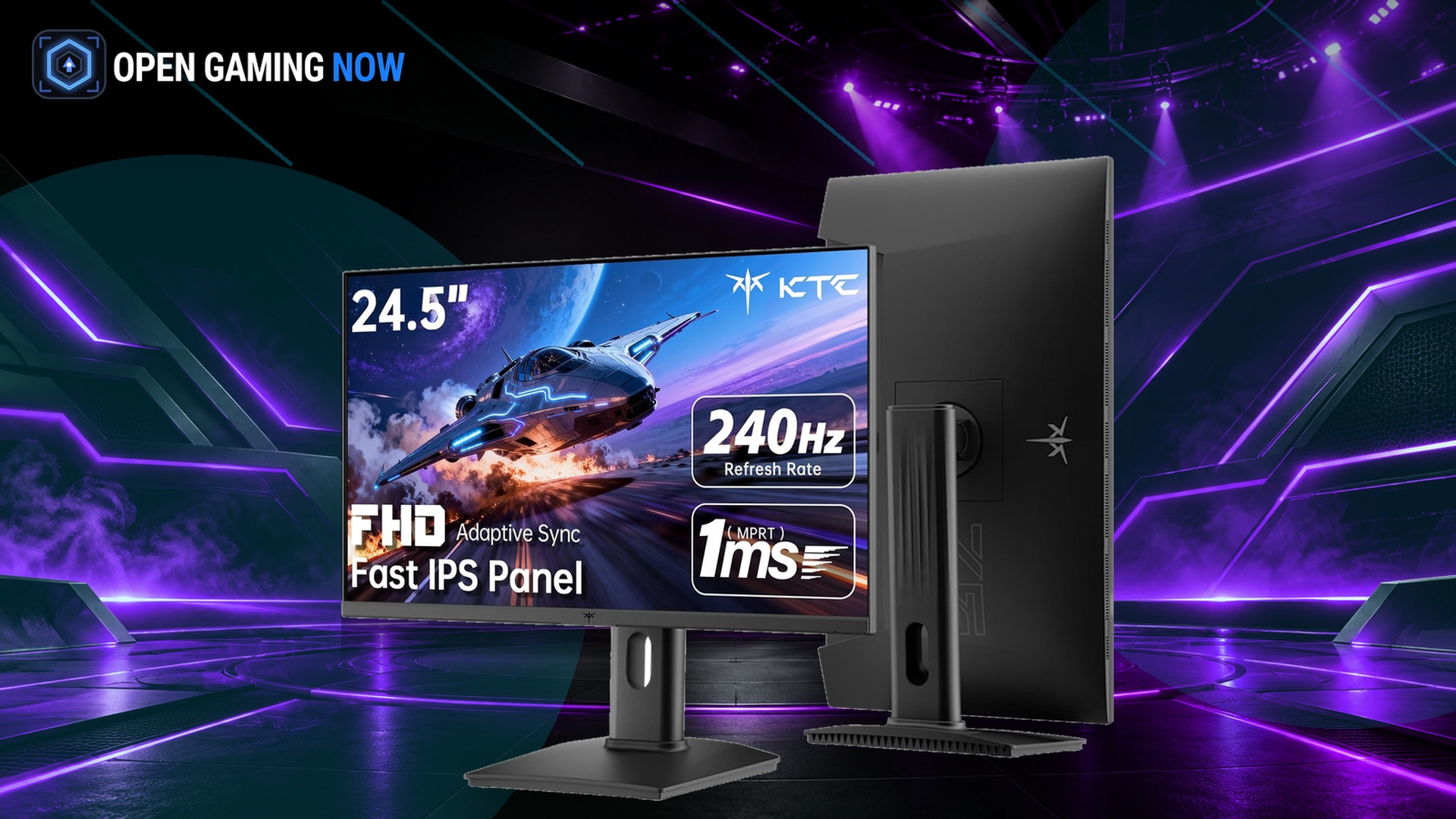
The KTC H25T7 3 is a 24.5 inch Full HD monitor with a Fast IPS panel and a 240Hz refresh rate. It suits ranked shooter players who want the smoothest motion they can get on a small budget. The compact screen lets you see the whole picture without much eye travel in a fast match. The listing also shows tilt, pivot and height adjustment, which helps with long sessions.
- Check Price: [Check Price]
- Why We Picked It: It offers the highest refresh rate in this guide at a budget level, which helps when you track fast targets.
- Pros: 240Hz Fast IPS, adaptive sync, HDMI and DisplayPort, adjustable stand, VESA mount support.
- Cons: KTC is less known than Acer or LG, so read the warranty terms. Console players should skip it, since PS5 and Xbox Series X top out at 120Hz.
Acer Nitro KG241Y M3biip
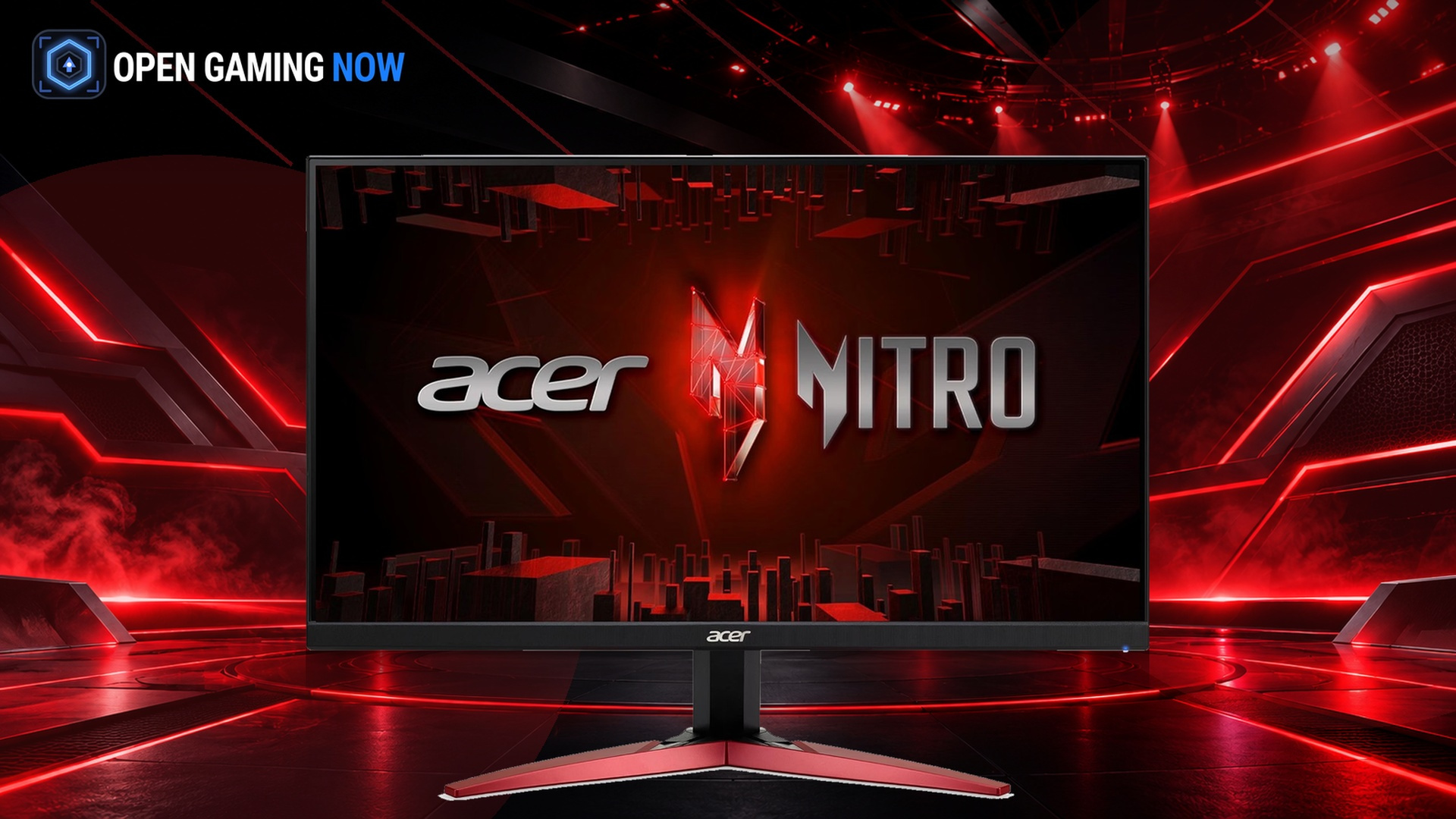
The Acer Nitro KG241Y M3biip is a 23.8 inch Full HD IPS monitor with a 180Hz refresh rate. It is the easiest pick for a first competitive setup from a well known brand. The listing shows FreeSync Premium, 99% sRGB, one DisplayPort and two HDMI 2.0 ports. It also lists flicker free backlighting and a blue light filter, which can make long ranked nights more comfortable.
- Check Price: [Check Price]
- Why We Picked It: It is the best cheap gaming monitor here that still pairs a trusted brand with an IPS panel and 180Hz.
- Pros: 180Hz IPS, FreeSync Premium, three inputs, VESA mountable, flicker free backlight.
- Cons: The stand looks basic, so a monitor arm may help. It has less refresh headroom than the KTC, and the 0.5ms figure is a best case manufacturer setting.
LG UltraGear 27GS60QC
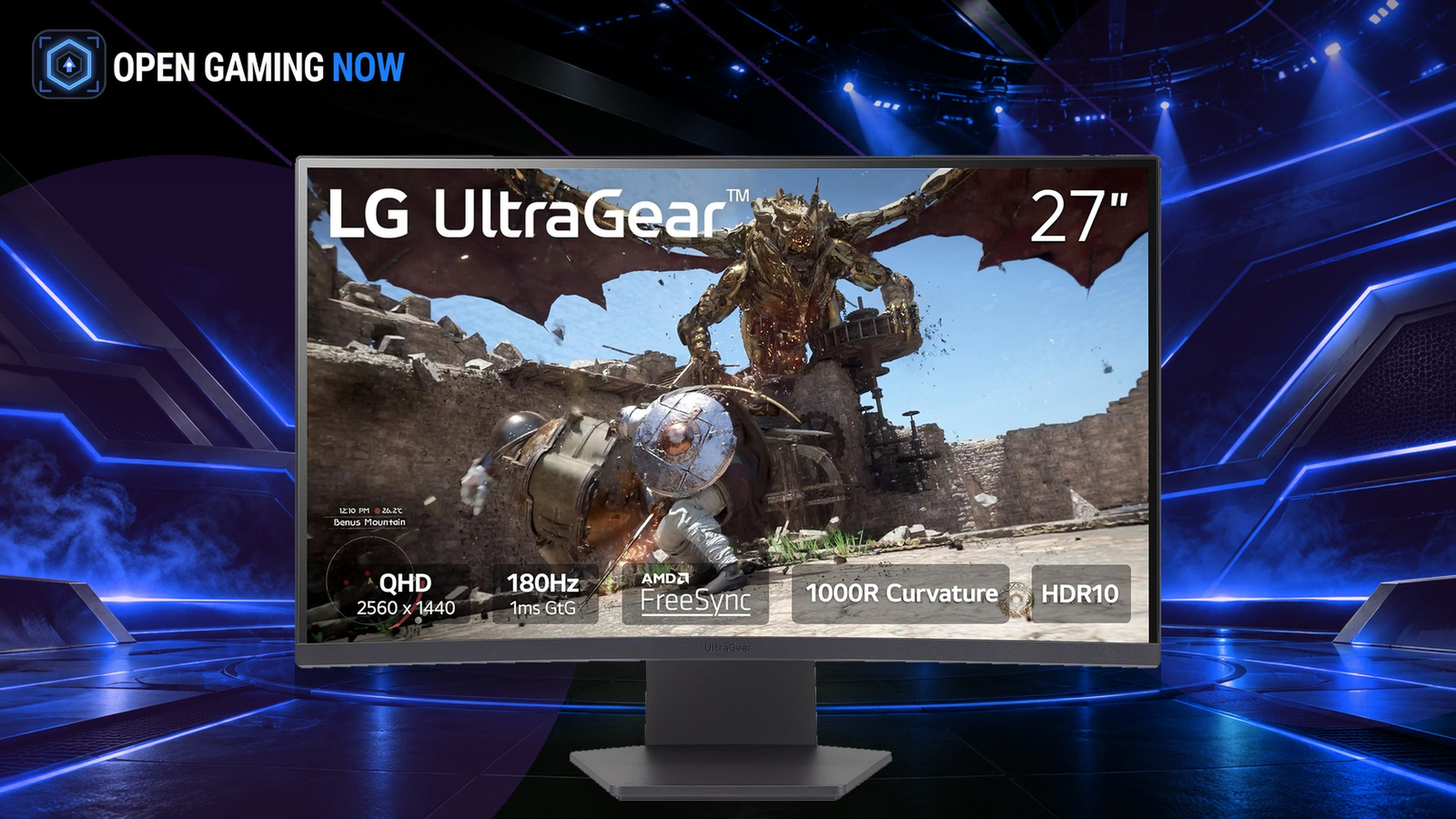
The LG UltraGear 27GS60QC is a 27 inch QHD (2560 by 1440) monitor with a 180Hz refresh rate and a 1000R curve. It is the stretch pick for players who want a sharper picture for ranked play and story games alike. It lists FreeSync, HDR10 and 99% sRGB, with two HDMI ports and one DisplayPort.
- Check Price: [Check Price]
- Why We Picked It: It is the best way in this list to add 1440p sharpness without leaving 180Hz behind.
- Pros: Sharp 1440p image, 180Hz, 27 inch size, strong value for the resolution.
- Cons: It uses a VA panel, which can smear more than IPS in fast, dark scenes. The deep curve is not for everyone, and you need a stronger graphics card to hold high frame rates at 1440p.
Sceptre E248B FW165T
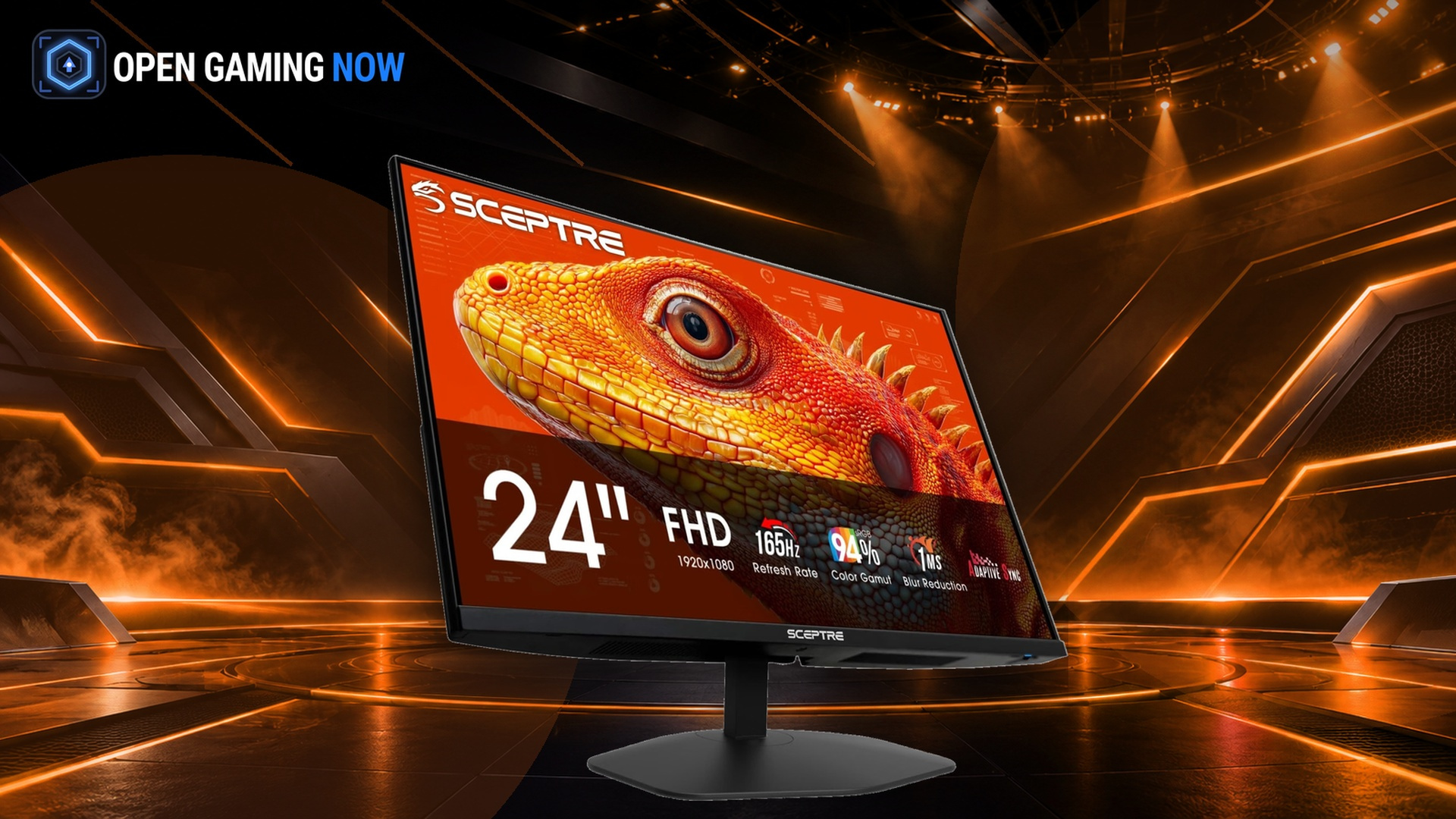
The Sceptre E248B FW165T is a 24 inch Full HD monitor with a 165Hz refresh rate and a 1ms response rating. It is a simple first step toward ranked play, and it has two DisplayPort and two HDMI inputs for a PC, a laptop or a second device. The listing shows adaptive sync, blur reduction and built in speakers. It is a good fit for a desk where you also play casual games and watch videos.
- Check Price: [Check Price]
- Why We Picked It: It is an affordable gaming monitor with 165Hz and a lot of ports, so it is an easy, low risk first step for players new to high refresh screens.
- Pros: 165Hz, adaptive sync, two DisplayPort and two HDMI inputs, built in speakers, matte screen.
- Cons: The listing does not name the panel type, so check it before you buy if IPS matters to you. The warranty is limited to one year, and its 165Hz is lower than the KTC, Acer and KOORUI picks.
KOORUI G2721P
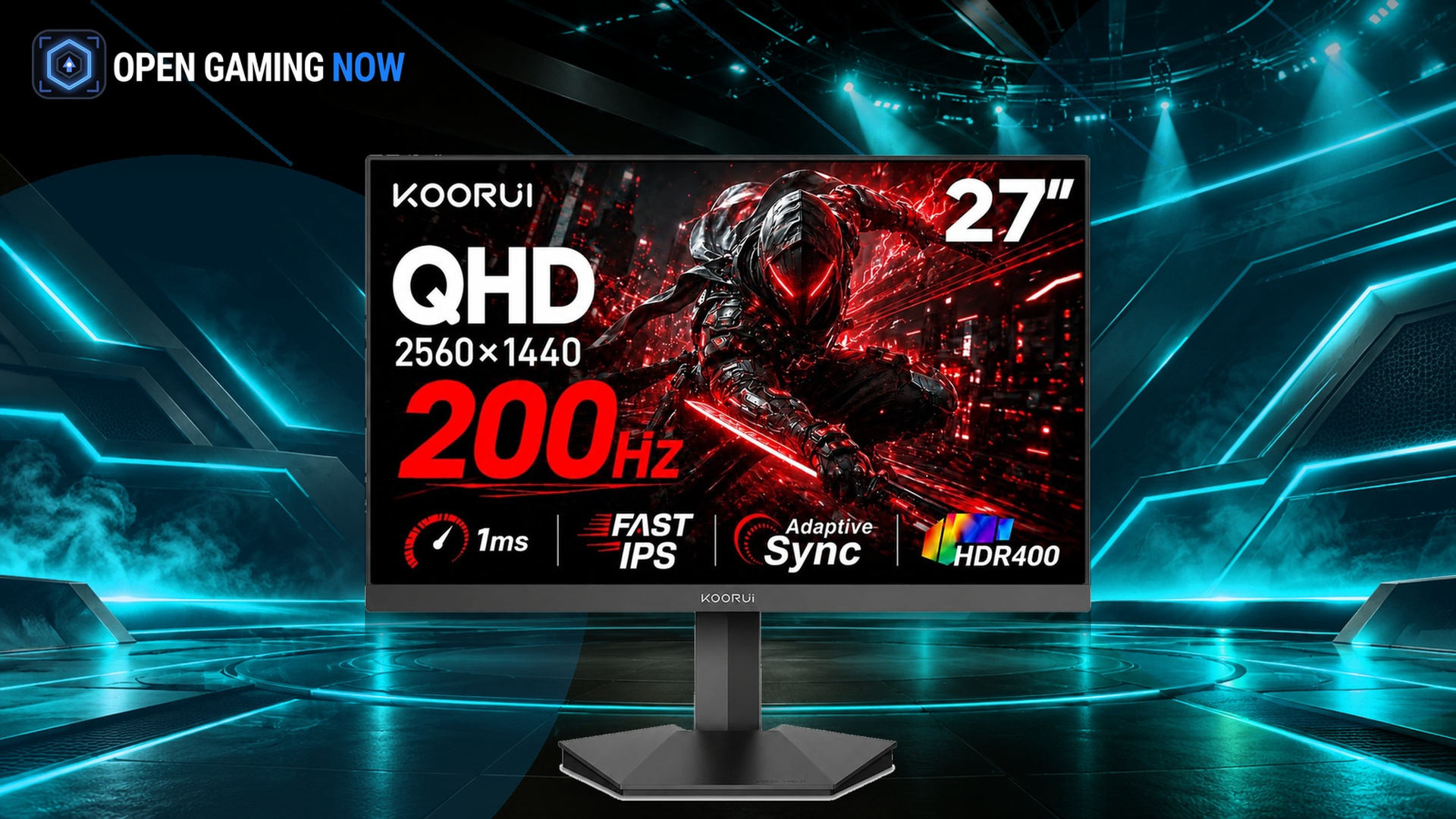
The KOORUI G2721P is a 27 inch QHD (2560 by 1440) Fast IPS monitor with a 200Hz refresh rate. It is for players who want a sharper picture and a fast panel in the same screen. The listing shows a 1ms response rating, adaptive sync, HDR400, HDMI 2.0, DisplayPort 1.4 and VESA support. It is a good match for a PC that can push high frame rates at 1440p.
- Check Price: [Check Price]
- Why We Picked It: It is the only 27 inch QHD pick here that pairs a Fast IPS panel with 200Hz, which gives you sharpness without the VA trade off.
- Pros: 1440p sharpness, 200Hz Fast IPS, adaptive sync, HDMI and DisplayPort, VESA mount support.
- Cons: KOORUI is a less established brand, so read the warranty and return terms. The linked listing shows a tilt only stand, and 1440p at 200Hz needs a strong graphics card.
Do you need a gaming monitor above 144Hz for competitive play?
No, 144Hz is enough for most players, but 180Hz or 240Hz can help if your PC can reach matching frame rates.
A higher refresh rate only helps when your game runs at a similar number of frames per second. If your PC averages 120 frames, a 240Hz screen will not look twice as smooth. To get the most from a fast screen, check this guide to build a gaming PC for competitive esports.
Console players should also know that PS5 and Xbox Series X output up to 120Hz, so 240Hz adds nothing there.
Is 1080p or 1440p better for a budget competitive gaming monitor?
1080p is better for most budget competitive players because it is easier to run at very high frame rates.
1440p looks sharper, especially at 27 inches, but it asks more from your graphics card. If you play fast shooters in ranked matches, smooth frames usually matter more than extra detail. If you also play slower story games, 1440p is a nice upgrade.
Is IPS or VA better for fast shooters?
IPS is usually the safer choice for fast shooters because it tends to have cleaner motion and better viewing angles.
VA panels often have deeper contrast, which looks great in dark games, but they can smear more in quick scenes. That is why three of our five picks are listed as IPS. The LG is the VA exception, so it suits players who value image depth and sharpness.
FAQ: Best Budget Gaming Monitor for Competitive Play
What is the best budget gaming monitor for competitive play?
The KTC H25T7 3 is our top pick for 240Hz at a low cost, and the Acer Nitro KG241Y M3biip is the best affordable gaming monitor for a first setup, with 180Hz IPS from a trusted brand.
Is 240Hz worth it on a budget?
It is worth it if your PC can run your game at around 240 frames per second. If not, a 144Hz or 180Hz monitor gives better value.
Is a 24 inch or 27 inch monitor better for competitive play?
A 24 or 25 inch monitor is better for most competitive players at 1080p because you can see the whole screen easily. A 27 inch monitor works well at 1440p.
Do budget gaming monitors work with PS5 and Xbox?
Yes, but console games top out at 120Hz, so you will not use a 180Hz or 240Hz refresh rate there. Check that the monitor has an HDMI port.
Final verdict: which budget monitor should you buy?
- Best budget option: Acer Nitro KG241Y M3biip, the best budget gaming monitor in this list for a trusted name and a 180Hz IPS panel.
- Best premium option: LG UltraGear 27GS60QC, for 1440p sharpness at 180Hz.
- Best beginner friendly option: Sceptre E248B FW165T, for an easy first setup with 165Hz and plenty of ports.
- Best overall recommendation: KTC H25T7 3, for the fastest refresh rate at a budget level.
Hardware helps, but practice matters more, so use these expert tips to get better at competitive gaming. When your screen is sorted, add one of the best gaming headsets for competitive play to hear footsteps clearly. If you are ready to move from casual to competitive gaming, a fast monitor is a smart first upgrade.